
Software for structural analysis of frames, beams and trusses under static, dynamic, linear and non-linear loads
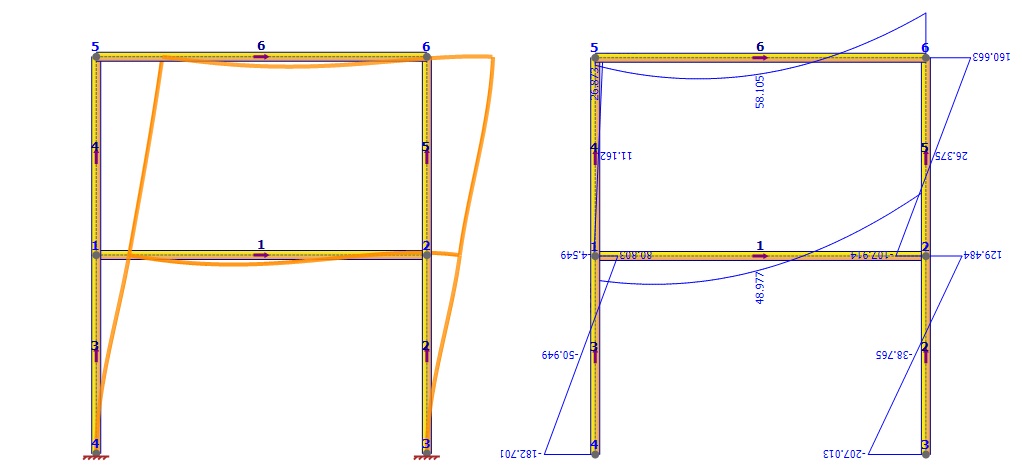
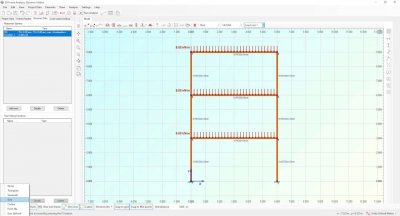
Software tool for structural analysis of frames, beams and trusses under static, dynamic, linear and non-linear loads. It includes all features of the Static Edition and the Truss Edition of 2D Frame Analysis software suite plus the ability to handle dynamic loads. The dynamic modes of the structure are automatically calculated and the corresponding modal shapes are represented graphically. Supported structural excitations include response spectrum as well as stepped time history analysis. The software uses optimized finite elements and includes a powerful solution engine. The calculation results are represented in an automatically created calculation report, exportable to pdf, doc and xls formats. Moreover, the program also supportes non-linear static analysis (second order analysis) for the consideration of P-Delta effects.
The Dynamic Edition of 2D Frame Analysis is a powerfull application that uses optimized finite elements (beam elements) in order to perform static and dynamic analysis of beams, portal frames and trusses. Its versatile interface as well as its easy customization make it a leader-product in frame analysis. Try it and start saving time and money!
Linear and non-linear static, dynamic, modal analysis of portal frames, trusses and arbitrary plane structures
We challenge you to try out this frame analysis program, as there are other analysis programs out there, but you will convince yourself that Engissol Frame 2D is unique because of its features and the ease in using it.
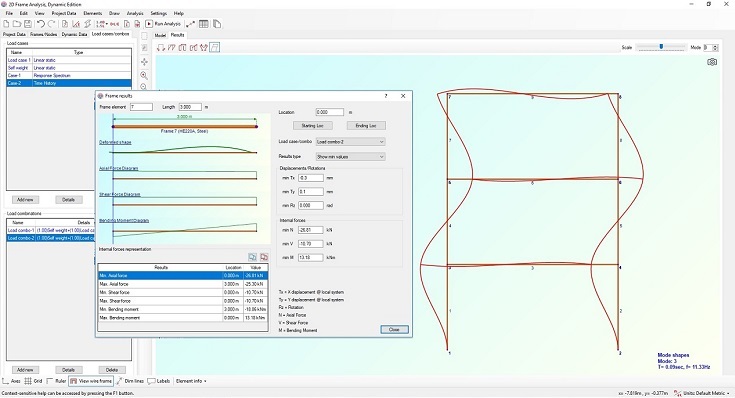
Screenshots
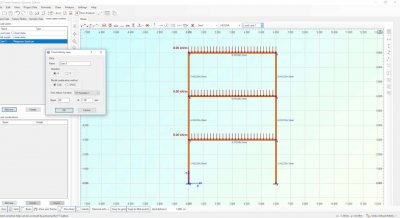
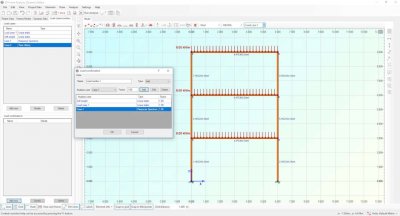
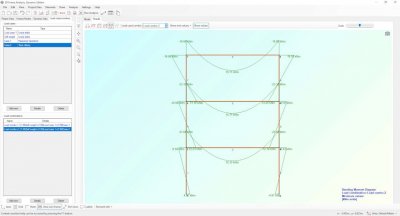
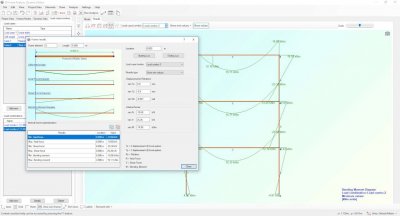
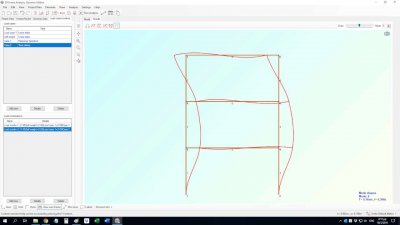
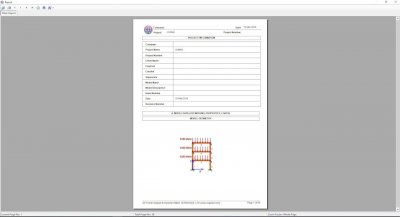
Analysis features
- All units supported (Metric, Imperial, Custom)
- Rich list of predefined materials (concrete, hot rollerd and cold formed steel, aluminum, timber, etc.)
- Large library of predefined cross sections (European, AISC, Australian, British Chinese, Indian, Aluminum, etc.)
- Template models for frames, trusses (sloped, vertical, Pratt, Howe, Fink etc.) and beams
- Unlimited number of load cases
- Unlimited number of load combinations (Add, Envelope, Absolute, SRSS combination types)
- End length offset elements
- Shear deformation elements (Timoshenko elements)
- Member end releases of any degree of freedom
- Semi-rigid end releases
- Local, global, projected global coordinate systems for load application on elements
- Uniform, trapezoidal and span loads
- Thermal loads
- All types of nodal restraints are supported (roller, hinge, fixed, etc.)
- Translational and rotational spring supports
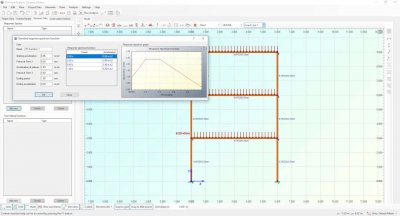
- Definition of response spectrum functions (using pre-defined templates or by providing function points)
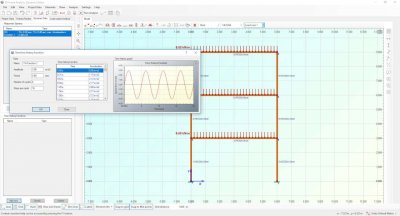
- Definition of time history functions (using pre-defined templates or by providing function points)
- Non-linear static analysis for consideration of second order effects (Pi-Delta)
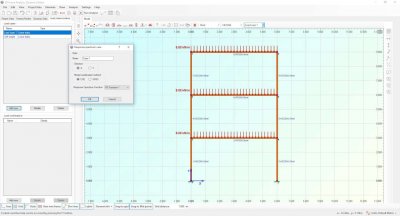
- Linear and non linear static, modal, response spectrum and time history analysis
- Graphical representation of nodal reactions
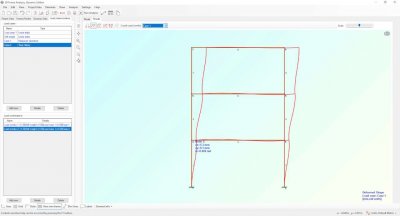
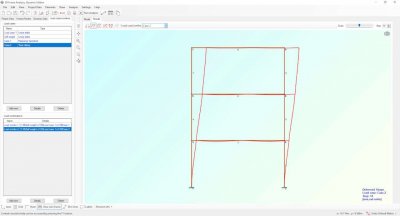
- Graphical representation of deformed shape
- Graphical representation of internal force diagrams (axial, shear force and bending moment)
- Graphical representation of dynamic modes
- Tabular representation of the analysis results, exportable to Excel
- Automatic creation of rich calculation report, exportable to pdf, doc and xls formats
- Extremely easy model creation, no need to first define nodes and then elements, nodes are produced automatically
- 32/64 bit compatible
- Compatible with Windows XP/Vista/7/8/10/11, 32/64 bit